NICEIC Registered
Guides
Home CCTV: cameras, NVRs and the law
Camera types, wired and wireless systems, NVRs, night vision and keeping cameras secure, plus what the law expects when a camera sees past your boundary.
Published · Updated · By 2K Electrical Services
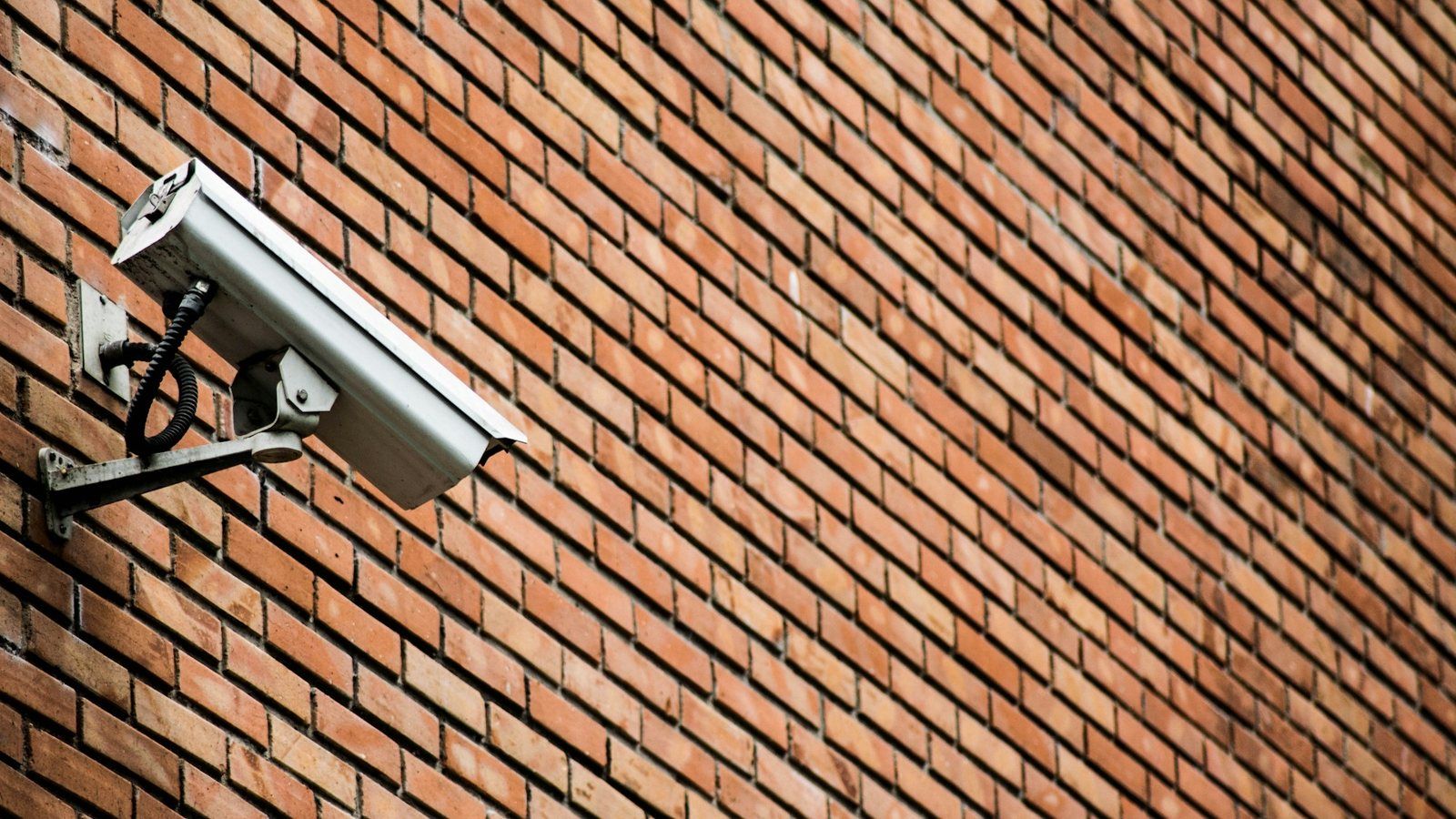
CCTV at home has moved on from grainy cameras and a video recorder under the stairs. Today’s cameras give sharp pictures day and night, tell a person from a cat and send an alert to your phone. Choosing a system still comes down to a few decisions: wired or wireless, which cameras, where the footage is kept and how the system is kept secure. If a camera can see past your boundary, the law also expects a few things from you.
Types of system
- Wired IP cameras with an NVR. Each camera has a single network cable that carries both the picture and the power, known as Power over Ethernet (PoE), back to a network video recorder (NVR). The NVR records everything on its own hard drive, so there is no monthly subscription, and the app lets you watch live and recorded footage from anywhere. This is the most reliable option and gives the best picture.
- Analogue HD cameras with a DVR. Many existing systems use coaxial cable and a digital video recorder (DVR). The cables can sometimes be reused with newer HD cameras, which makes this a sensible way to upgrade an older system.
- Wi-Fi cameras connect to your router without a data cable, but they still need power at or near the camera, and they are only as good as the Wi-Fi signal outside the house. They usually record to a memory card in the camera or to a cloud subscription.
- Battery cameras and video doorbells are the easiest to fit. A battery camera only wakes when it detects movement, so it can miss the first moments of an event, and it needs recharging. Most rely on a cloud subscription for recordings.
A wired PoE system costs more to install but is the one that keeps recording when the Wi-Fi drops or a battery runs flat.
Camera styles
- Bullet cameras have a long body that is easy to aim and clearly visible, which is a deterrent in itself. Longer lenses suit driveways.
- Dome cameras are compact and make it harder to tell where they are pointing. Vandal-resistant versions suit positions within reach.
- Turret cameras look like domes but have no plastic bubble over the lens, so they avoid the glare and reflections a dome can pick up at night. They are a popular choice for homes.
- PTZ cameras can pan, tilt and zoom. They are rarely needed at home and use more power than fixed cameras.
- Video doorbells cover the front door, visitors and parcel deliveries.
Higher resolution only helps if the lens covers the right area. A wide-angle lens shows what happened across a garden or side return; a narrower lens aimed at the front door or gate is what identifies who it was. Most homes need a mix of the two.
Seeing at night
- Infrared (IR) night vision lights the scene with infrared LEDs that the eye cannot see, giving a clear black-and-white picture in the dark. Most cameras show a faint red glow when the IR is on. IR reflects off nearby walls, soffits and gutters and can white out the picture, so position matters. Spiders like to build webs in front of the warm, lit lens, which sets off motion alerts.
- Colour night vision cameras use a sensitive sensor and a large lens to keep a colour picture in low light, often with a small white light that comes on when someone approaches and acts as a deterrent.
- Good outside lighting makes every camera better. Keep lights and cameras from shining into neighbours’ windows.
Recording and storage
An NVR records to a hard drive designed for continuous recording. How many days it keeps depends on the number of cameras, the resolution and whether it records all the time or only on movement; when the drive is full, it writes over the oldest footage. Person and vehicle detection cuts out most false alerts from trees, cats and car headlights, and detection zones let you ignore the street.
Put the NVR indoors and out of sight, so a burglar cannot take it, somewhere that does not get as hot as a loft in summer, and connect it to your router. A cloud backup of key clips is worth having in case the recorder is ever stolen.
Keeping cameras secure
- Since 29 April 2024, smart products sold to UK consumers, including cameras and doorbells, must not come with universal default passwords. Manufacturers must also tell you how to report a security problem and for how long the product will receive security updates. Check that period before you buy.
- Use a strong, unique password and two-factor sign-in for the camera app.
- Keep the firmware up to date on the cameras and the recorder.
- Do not open ports on your router to view cameras remotely. Use the manufacturer’s app or a VPN instead, and switch off UPnP on the router if you do not need it.
- Put cameras on a separate network if your router supports it, so a problem with a camera cannot reach your computers.
CCTV and the law at home
If your cameras only record your own property, data protection law does not apply to them. If they record anything beyond your property boundary, such as the street, a shared path or a neighbour’s garden, it does. That includes fixed cameras and smart doorbells. The Information Commissioner’s Office (ICO) expects you to:
- have a clear reason for the cameras and not record more than you need;
- put up a sign telling people that CCTV is in operation;
- store the footage securely, so only people who need to can see it;
- delete footage regularly, automatically or by hand;
- answer a request from anyone recorded for a copy of their footage within one calendar month;
- stop recording someone who objects if you have no good reason to carry on.
Consent is rarely needed for home CCTV. Voices count as personal information too, and a microphone can pick up conversations well beyond what the camera sees, so think carefully before leaving audio recording on. In a 2021 county court case, a homeowner’s video doorbell and cameras, including what they recorded of a neighbour’s conversations, were found to breach data protection law and to amount to harassment of the neighbour.
The simplest approach is to aim cameras at your own property and use the privacy masking feature most systems have to black out neighbours’ windows and gardens. If you rent, or own a leasehold flat, check your tenancy agreement or lease before fixing anything to the building.
How a system is installed
- Cable routes. Each camera has its own cable back to the recorder, usually through the loft or under the floor and out through the soffit or the wall behind the camera, so as little cable as possible is left outside. Any cable left outside is external-grade or run in conduit.
- Weatherproofing. Outdoor cameras should be rated IP66 or IP67, and their connections sit in a weatherproof box behind the camera. See IP ratings explained for what the numbers mean.
- Power. PoE cameras need no socket outside: the recorder or network switch indoors powers them all. Wi-Fi and floodlight cameras need a mains supply at or near the camera, run and protected like any other outdoor electrical work.
- Doorbells. Wired video doorbells usually take a low-voltage supply from a transformer, often next to the consumer unit or a plug-in one indoors. Battery doorbells need charging every few months.
- Height and position. Cameras should be out of easy reach, but not so high that they only see the tops of heads. Avoid pointing them at the sun or straight into a security light.
If you are planning a rewire or refurbishment, running camera cables at the same time costs little and keeps them out of sight. The cameras connect to your home network, so it is worth reading Home Wi-Fi and mesh explained at the same time.